Tkinter: Simplifying GUI Development with Python
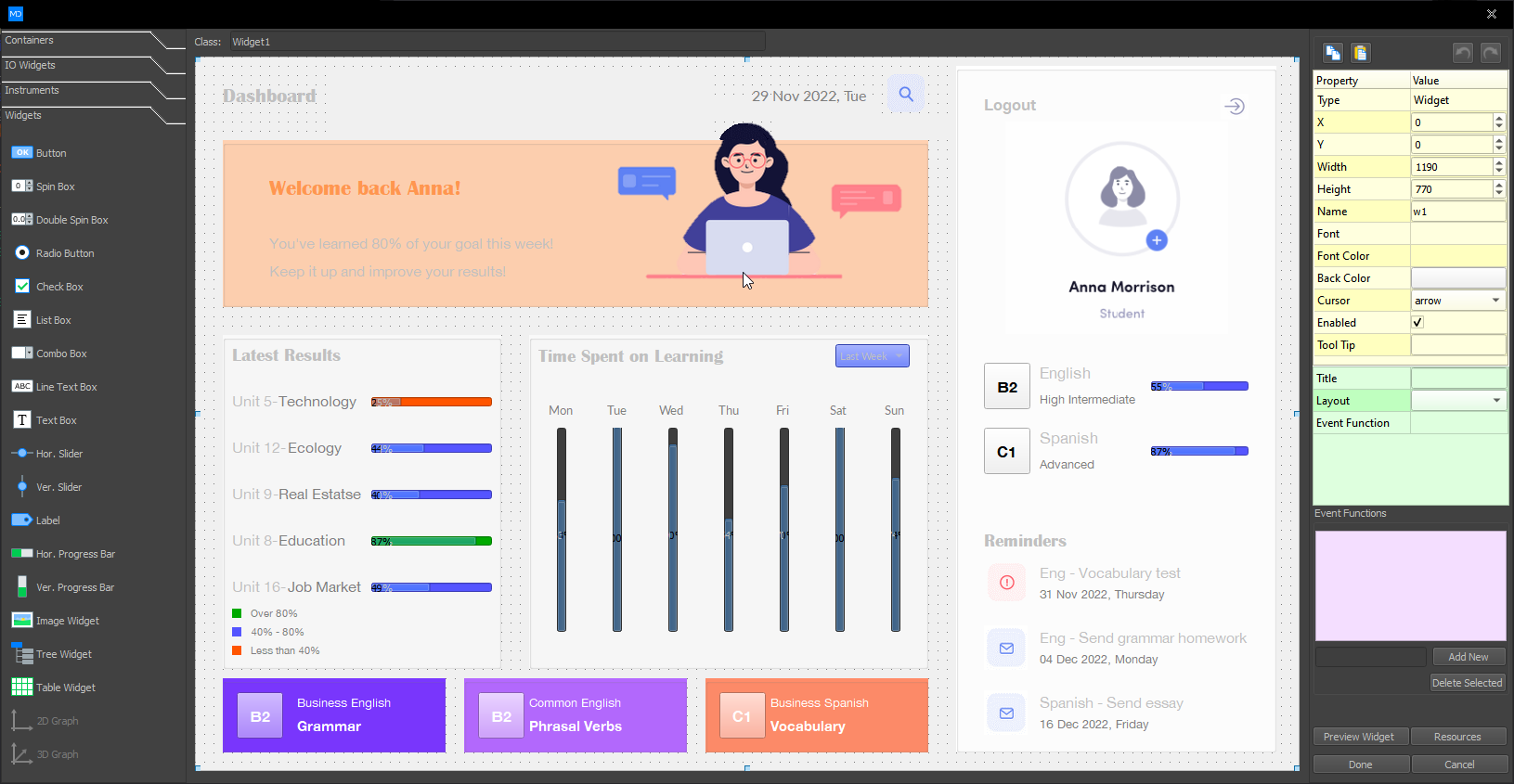
The MD Python Designer from MatDeck is a comprehensive, professional GUI development tool optimized for Python, enabling both novice and experienced developers to create robust graphical user interfaces (GUIs) efficiently. It offers drag-and-drop functionality across multiple Python GUI libraries, including Tkinter, Kivy, PySide2, Custom Tkinter, and MD Python. This tool is tailored for developers who want the flexibility of coding combined with the ease of a no-code environment, simplifying the development of complex applications without extensive programming experience.
Tkinter is Python’s standard GUI library, offering developers a simple yet powerful way to create graphical user interfaces. As a built-in module, it comes pre-installed with Python, making it an accessible tool for both beginners and experienced developers.
What is Tkinter?
Tkinter provides a lightweight framework for designing desktop applications. It allows developers to build interactive and visually appealing GUIs by combining Python’s versatility with an extensive collection of widgets and tools. From buttons and labels to advanced canvas elements, Tkinter supports a wide range of GUI components.
Key Features
Ease of Use: Tkinter’s straightforward syntax and design make it an ideal choice for quick GUI development.
Comprehensive Widget Library: Includes essential components such as buttons, text fields, menus, and sliders.
Cross-Platform Compatibility: Applications built with Tkinter run seamlessly on Windows, macOS, and Linux.
Customizability: Offers options to style and customize widgets to suit specific project needs.
Extensibility: Integrates with other Python libraries, enabling advanced functionalities like data visualization.
Benefits of Using Tkinter
Accessibility: Its integration with Python ensures no additional installations are required.
Rapid Development: Simplifies the process of prototyping and building small to medium-sized applications.
Active Community: A robust community of developers provides ample resources, tutorials, and support.
Applications of Tkinter
Educational Tools: Create interactive learning applications.
Prototyping: Quickly design and test application ideas.
Utility Software: Develop lightweight desktop tools for personal or professional use.
Whether you’re building a simple utility or a complex application, Tkinter offers the tools and flexibility needed to bring your vision to life.